How to Send a Birthday Surprise Link on WhatsApp
To send a birthday surprise link on WhatsApp, build a personal gift with their photos, words and voice, preview it free, pay only if you love it, then copy the private link and send it on WhatsApp. On Greetroot, the Birthday gift is Rs 199, opens in the recipient's phone browser with no app, and can be set to open at midnight on their birthday.
Key takeaway
- Build first, pay last. Preview the whole gift with your own photos in it before you pay anything.
- Send it yourself at midnight in the recipient's time zone. The Birthday gift can be set to hold until 12:00 am, even if they tap it early.
- Keep the message short. "I made you something. Open this when you are alone, with the sound on." The gift does the rest.
Step checklist
| Step | What to do | Time it takes |
|---|---|---|
| 1. Pick the occasion | Open greetroot.com/birthday, add their name and yours | A minute |
| 2. Add photos | Up to five photos that tell a small story | A few minutes |
| 3. Write the letter | One memory, one thing you noticed, one wish — under 200 words | Ten minutes |
| 4. Record a voice note | Up to one minute, optional, in one take | A minute |
| 5. Preview it free | Watch the whole gift as the recipient will see it | A few minutes |
| 6. Pay, then send | Rs 199 by UPI or card, only if you love it; copy the link to WhatsApp | A minute |
Step 1: Pick the occasion, and add their name
Start at greetroot.com/birthday. For something simpler, the Photo puzzle at Rs 99 is a puzzle made from your photo, with your message revealed at the end.
Enter the recipient's name, your name, and, if you want, the age they are turning and their birthday date. The Birthday gift can be set to open at midnight on the day, in the recipient's time zone — midnight for them, not for you.
Step 2: Add up to five photos
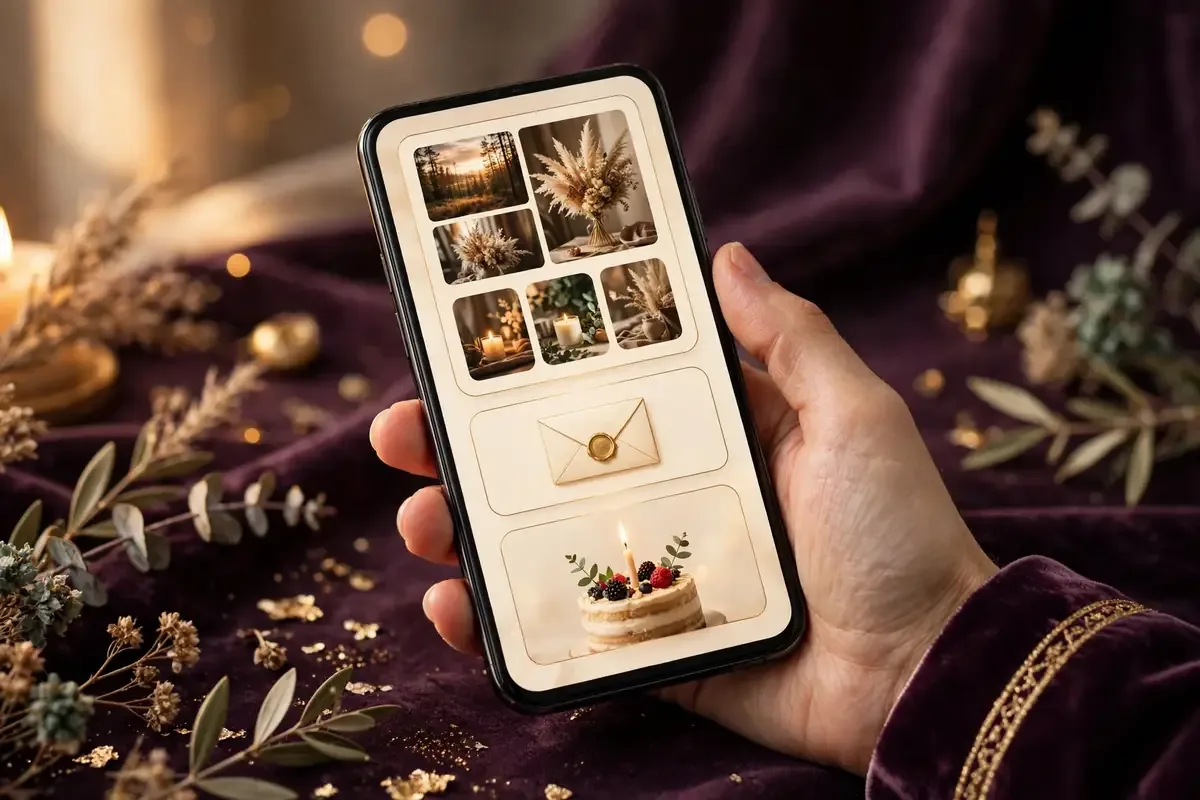
Choose them with a purpose, not just the five most recent ones. A good set: one from long ago, one recent, one only the two of you understand, one with people who love them, and one that makes them laugh. Five photos that tell a small story beat five similar selfies. Photos are compressed on your phone, so the gift loads fast even on mobile data. If you only have one good photo, use one.
Step 3: Write the letter — short, specific, honest
This is the part most people get wrong, and the part that matters most. A good birthday letter is not long. It is specific.
Write three short paragraphs. First, one memory — a moment, not "you are amazing". "I still remember the night we got lost on the way home and ended up eating ice cream at 1 am." One memory proves you were there. Second, one thing you noticed about them this year. "You handled this year with more patience than I thought either of us had." Third, one concrete wish. "I hope this is the year you finally take that trip you keep talking about — and I hope I am in the car." Keep it under 200 words. Read it aloud. If it sounds like you, keep it. If it sounds like a greeting card, rewrite it.
Step 4: Record a voice note, and set a secret word if you want
A voice note of up to one minute plays with the letter. Record it in a quiet room, in one take. Say their name first. Say one thing you would say if you were standing in front of them. Then stop. Thirty seconds, in your real voice, is worth more than a perfect paragraph.
You can also protect the gift with a secret word. Only someone who knows the word can open it. If you set one, send it in a separate WhatsApp message, so the link and the word do not travel together. Choose a word they will know — an inside joke, a nickname, a place. If you do not need privacy, skip this step.
Step 5: Preview it free, then pay only if you love it
Before you pay anything, watch the whole gift exactly as the recipient will see it. On Greetroot, the preview is free, and you pay Rs 199 for the Birthday gift only if you love what you see, by UPI or card through Razorpay, taxes included. Fix typos and wrong photos now. You can change the gift for 24 hours after paying, on the phone it was made on, and the link stays the same.
Step 6: Copy the link and send it on WhatsApp
Once you have paid, you get one private link. Copy it, open WhatsApp, and send it to the recipient. Do not send it with a long explanation. A short message works best:
I made you something. Open this when you are alone, with the sound on.
That is enough.
What to send with the link
The link is the gift. The message around it should stay out of its way.
- Send it alone, not in a group. A group chat turns a personal moment into a performance.
- Send it at the right time. Send it yourself at midnight in the recipient's time zone. The Birthday gift can be set to open at midnight, so it holds until 12:00 am even if they tap it early.
- Do not spoil it. No screenshot first, no description of every scene. Let them discover it.
- Stay on the call if you can. If they are far away, ask them to open it while you are on a video call.
- Follow up the next day. A short "did you like the letter?" matters more than a long message at midnight.
Troubleshooting: when something goes wrong
The link won't open. Ask them to open it in their phone browser, not inside a WhatsApp in-app preview. Copy it into Chrome or Safari, and check their connection.
WhatsApp shows no preview, or a plain link. That is normal. The surprise is what opens after they tap it, not the preview. One link, one short message — do not resend it five times.
They are in another timezone. Send the link yourself at midnight in their time zone, not yours. If you are in Dubai and they are in Kerala, that is a 1.5-hour difference — check it before midnight.
You forgot the secret word. There is no way to open a secret-word gift without it. Tell them the word in a separate message, and double-check the spelling.
You lost the link after paying. Recover it at greetroot.com/find with your 12-digit UPI reference (UTR) or Razorpay payment ID. If that does not work, contact Greetroot at greetroots@gmail.com. Do not pay again before you try this.
They opened it early. If the Birthday gift was set to open at midnight, it holds until then. For other gifts, there is no lock — send the link when you want them to open it.
Full help is at greetroot.com/help.
Create a Birthday surprise on Greetroot — add your photos and words, preview it free, pay Rs 199 only if you love it, and send one link on WhatsApp at midnight.
Frequently asked questions
How do I send a birthday surprise link on WhatsApp?
Build a gift, preview it, pay if you love it, copy the private link, and send it in a WhatsApp chat. The recipient taps the link and the gift opens in their phone browser. No app is needed.
How much does it cost to send a birthday surprise link on WhatsApp?
On Greetroot, the Birthday gift is Rs 199, and the Photo puzzle is Rs 99. You preview free and pay only if you love it. Prices include taxes, and payment is by UPI or card through Razorpay. Full prices are at greetroot.com/pricing.
Does the recipient need an app to open the link?
No. A Greetroot gift opens in the recipient's phone browser from a WhatsApp link. They do not need to install an app or create an account.
Can I send the birthday surprise at midnight?
Yes. Send the link yourself at midnight in the recipient's time zone. The Birthday gift can be set to open at midnight, so it holds until 12:00 am even if they tap it early.
What if I lose the link?
Recover it at greetroot.com/find with your 12-digit UPI reference or Razorpay payment ID.
Checked 13 November 2026 from greetroot.com/birthday, greetroot.com/pricing and greetroot.com/help. Sources: greetroot.com/help, greetroot.com/pricing, greetroot.com/find.